PWA
PWA (Progressive Web App): a web app you install from the browser that behaves like a native app (full screen, offline, notifications) without going through an app store.
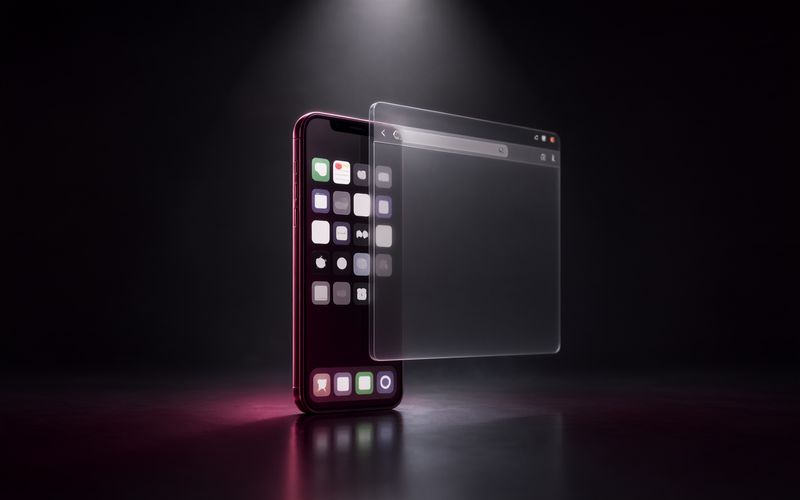
A PWA (Progressive Web App) is a website that behaves like an app: you install it from the browser, it opens full screen with its own icon, it can work offline and it can send notifications. The term, coined at Google in 2015, describes a set of capabilities of the modern web more than a single technology. For an organization, it's often the most cost-effective way to deliver an app-like experience without building and publishing a separate app for each platform.
Technical definition
Three building blocks
A PWA relies on three elements. HTTPS, which is mandatory. A web app manifest, a JSON file that provides the name, icons, theme color, display mode (full screen or windowed) and start URL: it's what makes the app installable. And a service worker, a script the browser runs in the background that intercepts network requests to serve a cache, enable offline mode, sync in the background and receive notifications.
What changes for the user
Once installed, the PWA shows up among the user's apps, opens without an address bar and keeps its state. On a computer, Chrome and Edge treat it as a desktop app. On Android, it can be packaged for the Play Store. On iOS, Safari adds it to the home screen with a narrower set of capabilities.
What changes for the team
One codebase, one deployment, an instant update for everyone. The flip side is cache management: the app has to detect a new version and reload, otherwise some screens stay on the old one indefinitely. The other point to watch is the Content Security Policy, since the app runs inside a browser under its rules.
Current challenges
Adoption you can now measure
Long a niche, the technology has crossed a threshold: according to HTTP Archive's Web Almanac 2025, one website in five is controlled by a service worker, up from just over 1% three years earlier, and nearly a quarter of websites use at least one PWA feature. Large e-commerce and media sites led the way, and internal applications are following.
An alternative to app stores
For a company, a PWA avoids the review process, the commission and the release cadence imposed by app stores. It also connects to a European regulatory issue: the Digital Markets Act reopened the debate on third-party browser engines and web apps on iOS. The capabilities available on iPhone remain the thing to check before any consumer project.
The dedicated-screen case
It's on fixed screens — wall-mounted tablets, kiosks, digital signage — that PWAs are most convincing: combined with kiosk mode, they give you a full-screen app, updated from the server, with no work at all on the device. My Maison dashboard, served by Home Assistant, works exactly this way on a tablet, a small entryway screen and a repurposed photo frame.
Standards and Specifications
Web App Manifest
JSON file standardized by the W3C that describes the application: name, icons, color, display mode, start URL
Service Workers
Script the browser runs in the background that intercepts network requests and enables caching, offline mode and notifications
Frequently Asked Questions
What is the difference between a PWA and a native app?
A native app is written for one system (iOS, Android), distributed through an app store and subject to its review and its commission. A PWA is a website enhanced with a manifest and a service worker: it installs from the browser, opens full screen with its own icon, can work offline and can receive notifications.
It doesn't have access to all the hardware (some APIs remain native-only, especially on iOS), but a single codebase serves every screen, and updates reach every user instantly.
Do PWAs work on iPhone and iPad?
Yes, with limits. Safari lets you add a PWA to the home screen and supports service workers and, since iOS 16.4, web push notifications for installed apps. Some capabilities are still missing or more restricted than on Android, and Apple has changed the behavior of installed web apps in the European Union several times.
For professional use, test the installation flow on every target platform instead of assuming parity.
Why choose a PWA for a dedicated screen or a wall-mounted tablet?
Because it removes deployment: the app lives on a server, the screens load it and update themselves, with no app store, no code signing and no cable. That's the choice I made for Maison, my home dashboard served by Home Assistant: a PWA displayed in kiosk mode on a tablet and a small screen, which reloads when a new version is published.
The catch is handling the cache properly: a server that serves files with a long lifetime can leave a screen stuck on an old version if nothing tells it about the new one.